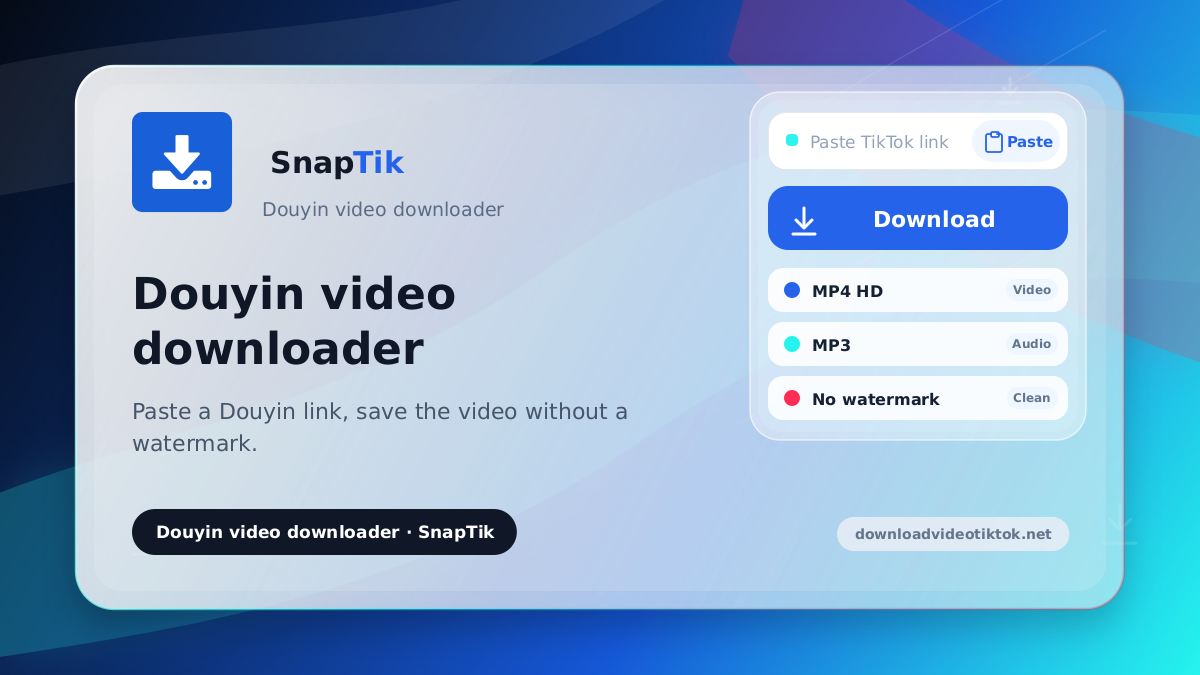
Douyin video downloader
Paste a Douyin link, save the video without a watermark.
How to download a Douyin video
-
Copy the link in the Douyin app
Open the video, tap the share icon and choose Copy link.
-
Paste the whole share text
Long share blurbs are fine; the link is extracted automatically.
-
Save the file
Press the download button on the result card to keep the video.
How Douyin differs from TikTok
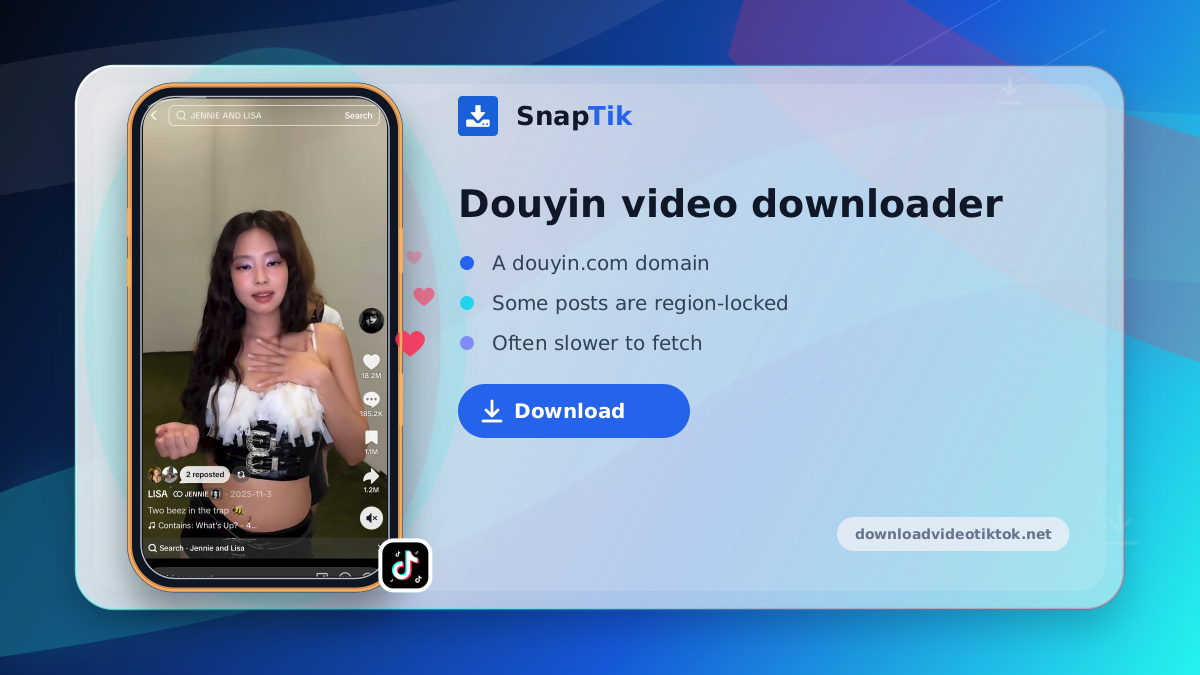
A douyin.com domain
Douyin is the mainland China edition with its own catalogue and link format.
Some posts are region-locked
Videos meant only for viewers in China will fail when fetched from elsewhere.
Often slower to fetch
Douyin servers sit far away, so pulling the file can take noticeably longer.
Same path as TikTok video
The path matches TikTok video, so the file lands in your Photos app.
Long share text is fine
Paste the whole blurb from the app; the URL is picked out for you.
Private and deleted posts fail
A closed account or a removed video leaves nothing for the tool to fetch.
Use this page to download Douyin video files from public post links. Douyin is the mainland China edition of TikTok, and its links use the separate douyin.com domain. Paste the link and save the file as usual.
Douyin links arrive as long share text
Copying from the Douyin app usually yields a paragraph of promotional text wrapped around the actual URL. Paste the whole thing; this Douyin downloader pulls the link out automatically. If what you have is an ordinary TikTok link, use the TikTok downloader instead.
Where it will not work
Videos on private accounts cannot be fetched because the link is closed. Deleted videos cannot be recovered. Some Douyin posts are limited to viewers inside China and will fail from anywhere else. Output quality follows the source file. Because Douyin's servers are distant, a Douyin download can feel slower than a TikTok one.
The Douyin link you paste is not kept
Downloads here do not go through a database. No record is kept of which links were pasted or which files were saved. The only exception is a failed fetch, which writes a technical line with no identity in it. There is no sign-up either, so nothing can be tied back to a person.
On iPhone the video lands in Photos
The path is identical to TikTok video. Once the file is fetched, SnapTik hands it to the native iOS share sheet. Tap Save Video and it appears in your Photos app rather than as a file in the Files app. On Android and desktop the download is handed to the browser's own manager.
For ordinary TikTok links use the TikTok downloader instead. The TikTok MP3 page pulls audio on its own, and the TikTok Story downloader handles Stories.
Douyin videos belong to their creators. Save them for personal use, and ask permission before reposting.