TikTok downloader without watermark
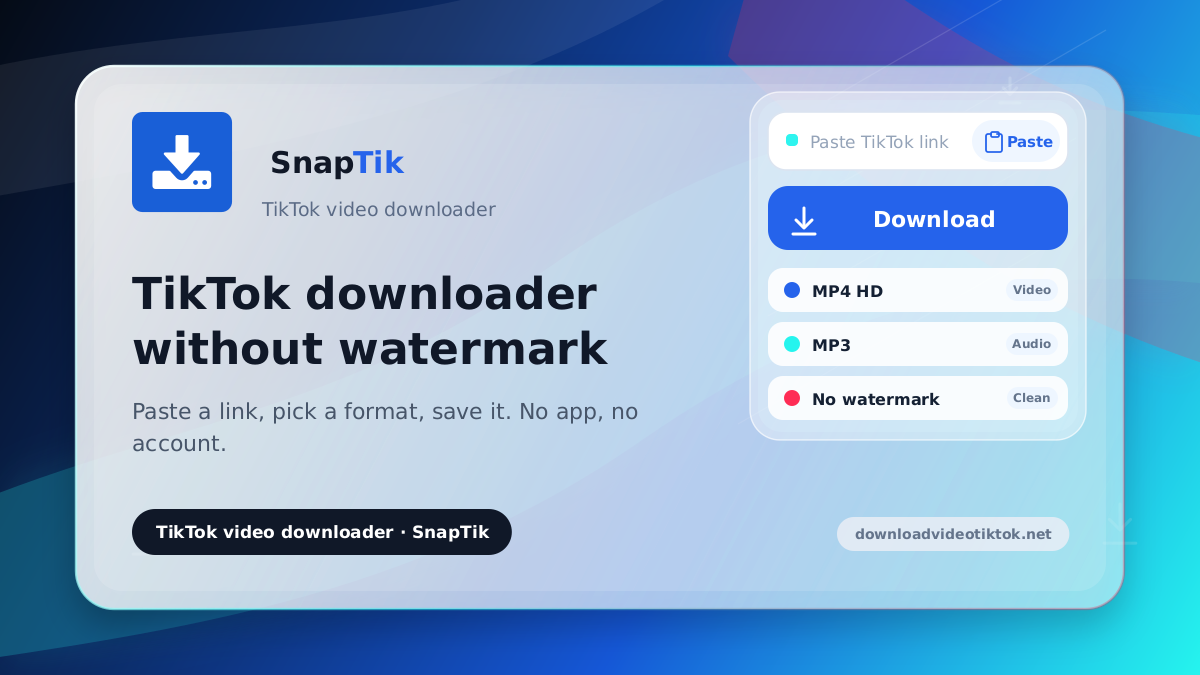
Paste a link, pick a format, save it. No app, no account.
How to download a TikTok video
-
Copy the video link
Open TikTok, find the clip, tap Share and choose Copy link.
-
Paste it above
Drop the link into the input field at the top of this page.
-
Pick a format and save
Press Download, then choose MP4 HD or MP3 from the result card.
What you get
No moving watermark
The TikTok logo that drifts across the frame is not baked into the file you save.
HD when it exists
An HD button appears first whenever the creator uploaded a high-resolution copy.
Saves into Photos on iPhone
The video reaches your Photos app through the share sheet instead of the Files folder.
Photo slideshows too
Image posts open as a grid so you can save each picture on its own.
No account, no history
Downloads here do not go through a database, and no history is kept for anyone.
Free with no cap
No daily limit and no trial that quietly expires on you.
DownloadVideoTikTok is a TikTok video downloader that works entirely in your browser. Paste the link to a public post, choose the format that appears, and the file saves to your device. Nothing to install and no account to create.
Formats you can save
The main video saves as MP4, which plays in the default player on almost any phone. Nothing here behaves like a TikTok MP4 converter that re-encodes the clip, because the file arrives in the shape TikTok already made it. When the creator uploaded a high-resolution copy, an HD button appears first, so a TikTok downloader HD result takes no extra step. Background audio can be pulled on its own from the TikTok MP3 page. Photo posts open as a grid of images you can save one at a time.
What the watermark actually is
TikTok's logo drifts around the frame, which makes cropping it out afterward messy and usually leaves a faint outline behind. This page skips that step. It fetches the original file from before TikTok stamped it, so what you get already has no watermark to begin with. That is also why it costs nothing: no processing is involved, just the clean source file.
One clip after another
There is no batch mode: paste one link, download it, then paste the next. If you download TikToks often, just leave this tab open.
Where this tool stops
A few limits are worth stating plainly so you do not wait for nothing. Videos on private accounts cannot be fetched because the link was never open to the public. Clips the creator deleted are gone and no tool can bring them back. Some posts are restricted to certain regions and will fail from anywhere else. Output quality always follows the source, so a low-resolution upload stays low-resolution after saving.
The link you paste is not stored
Downloads here do not go through a database, and there is no history kept for anyone. A technical note is written only when a download fails, purely to trace the fault, and it carries no identity. There is no sign-up, so there is no profile to attach anything to.
On iPhone the video lands in Photos
This is the part that usually goes wrong on iOS. Safari does not put video into your library; it drops the file into the Downloads folder inside the Files app. Most people then assume the download failed. DownloadVideoTikTok takes another route on iPhone and iPad. The file is fetched into the browser first, then handed to the native iOS share sheet. From there you tap Save Video and it appears in Photos like something you filmed.
While the file downloads, a progress ring shows the megabytes that have actually arrived. The first option starts fetching quietly the moment the result card appears. Because of that head start the share sheet usually opens the instant you tap. If iOS refuses because too much time passed, a Save to device button appears so you can open it yourself.
On Android and desktop the download is handed to the browser's own manager on purpose. It is faster there, it raises a native notification, and files land in the Downloads folder people already know to check.
Different link, different page. The TikTok MP3 page pulls audio on its own. The TikTok Story downloader handles Stories before they expire. Links from the mainland China app go to the Douyin video downloader.
TikTok videos belong to the people who made them. Save them for personal use or reference; if you plan to repost, ask first and credit the creator.